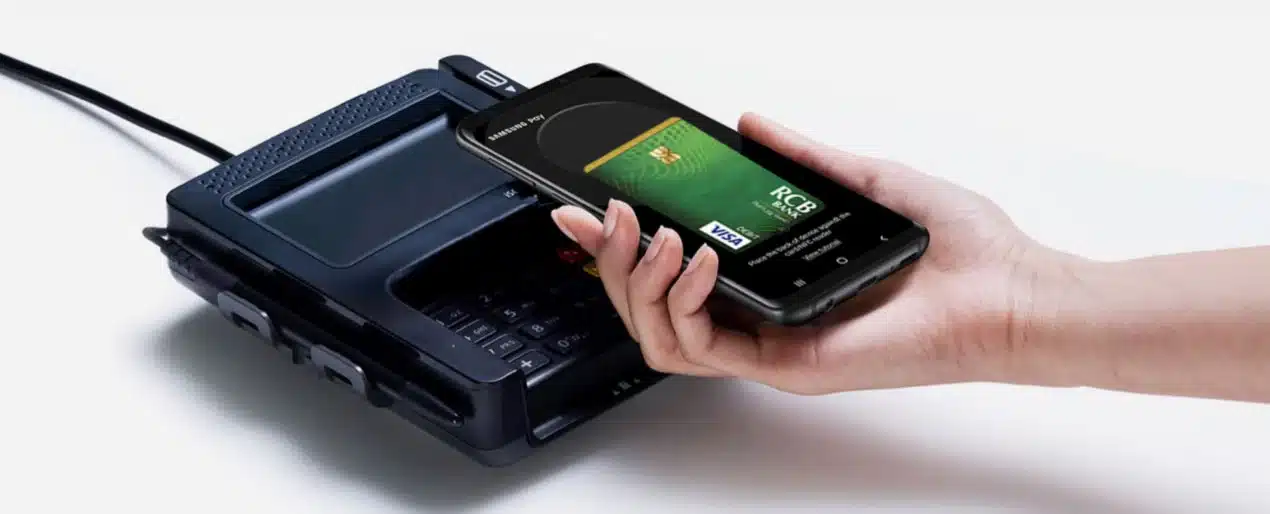

Getting started is easy as:
- Access your Cards from the Samsung Wallet® app.
- Add your RCB Bank Tap to Pay Visa® debit card.

How to use Samsung Wallet®
Using your Samsung mobile device:
- Open the Samsung Wallet® app on your phone.
- Select your RCB Bank debit card.
- Verify your identify to initiate a payment near the contactless reader.
Using your Samsung wearable:
- Open the Samsung Wallet® app on your watch.
- Select your RCB Bank debit card.
- Tap the pay button to initiate a payment near the contactless reader.
Use it today.
There’s a lot to love about Samsung Wallet®. Like how it lets you use your favorite Visa card at millions of places around the world. See stores and apps.
Get extra layers of security.
When you use your Samsung phone to pay in stores with an eligible Visa card enrolled in Samsung Wallet®, Visa® Token Service replaces sensitive account information with a unique digital identifier called a token, which allows payments to be processed without exposing actual account details.
Samsung Wallet® works online or in-app as well.
No need to enter your debit card number for in-app or online purchases—simply select Samsung Wallet® at checkout and authenticate the purchase with your fingerprint, PIN or iris scan.