Tap to Pay Visa® Debit Card
Makes buying easy. Simplify how you pay one tap at a time.
Use your Tap to Pay debit card wherever you see the Contactless Symbol. 6
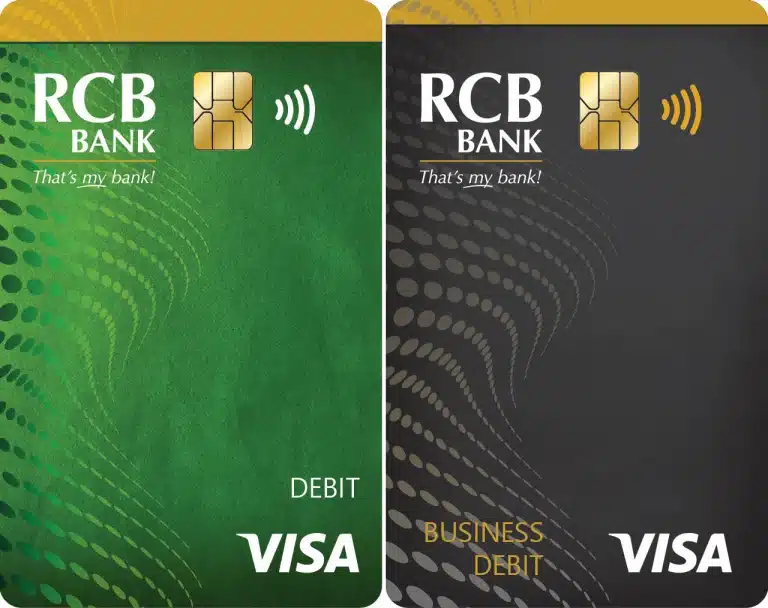
Here’s all you need to know to use your card confidently:
- Look. Check for the Contactless Symbol
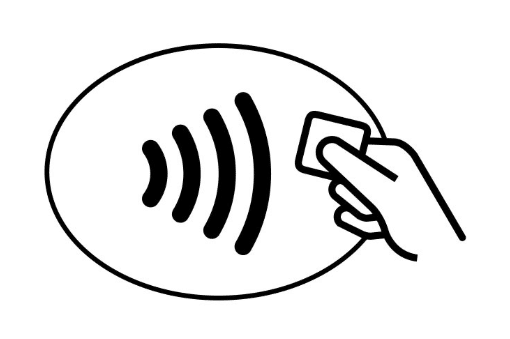 on the store’s checkout terminal.
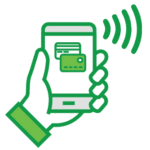
 - Tap. When prompted, bring your card, mobile or wearable device within a few inches of the Contactless Symbol on the checkout terminal. You may be asked to enter your PIN.
- Go. Your payment is securely processed in seconds. Once your payment is confirmed, you’re good to go!
Frequently Asked Questions
- Why should I use Tap to Pay?
- Each transaction is accompanied by a one-time security code that protects your payment information and helps reduce counterfeit fraud.
- Contactless payments work over a short distance making it nearly impossible for a would-be thief to potentially steal your information.
- Contactless cards prevent your card from being skimmed with the traditional skimming device since the card is not required to be inserted into the EMV card reader.
- Its fast, easy, and secure!
- How can I tell if the checkout terminal accepts contactless payment?
- Simply check for the Contactless Symbol on the checkout terminal or the terminal’s screen.
- What if the merchant does not accept contactless payments? Will my card still work
- Yes. Simply insert the card into the EMV reader to complete your purchase.
- Can I use contactless payment functionality for all my purchases?
- Tap to Pay availability may vary depending on terminal enablement, transaction location or purchase amount.
- Depending on merchant preference, you may be asked to enter your PIN or sign for your purchase.
- How close does my contactless card need to be to the contactless checkout terminal
- Your card must be within 1 -2 inches of the Contactless Symbol on the terminal.
- How long do I hold my contactless card to the checkout terminal?
- You should hold your card to the terminal for 1-2 seconds. In some cases the contactless reader will function best if you tap the card on the actual payment reader where you see the Contactless Symbol .
- How do I report a Lost or Stolen card?
- Contact RCB Bank immediately at 877-361-0814. Report a lost or stolen card as quickly as possible to limit the amount you may lose from unauthorized transactions.
If you have any questions, please contact us at 855-226-5722.