Getting started14 is easy as:
Add your RCB Bank Tap to Pay Visa® debit card to the Wallet app. Look for this symbol on your device:

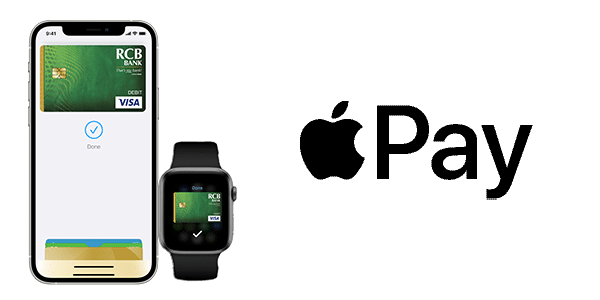
How to use with Apple Pay®
Using iPhone®:
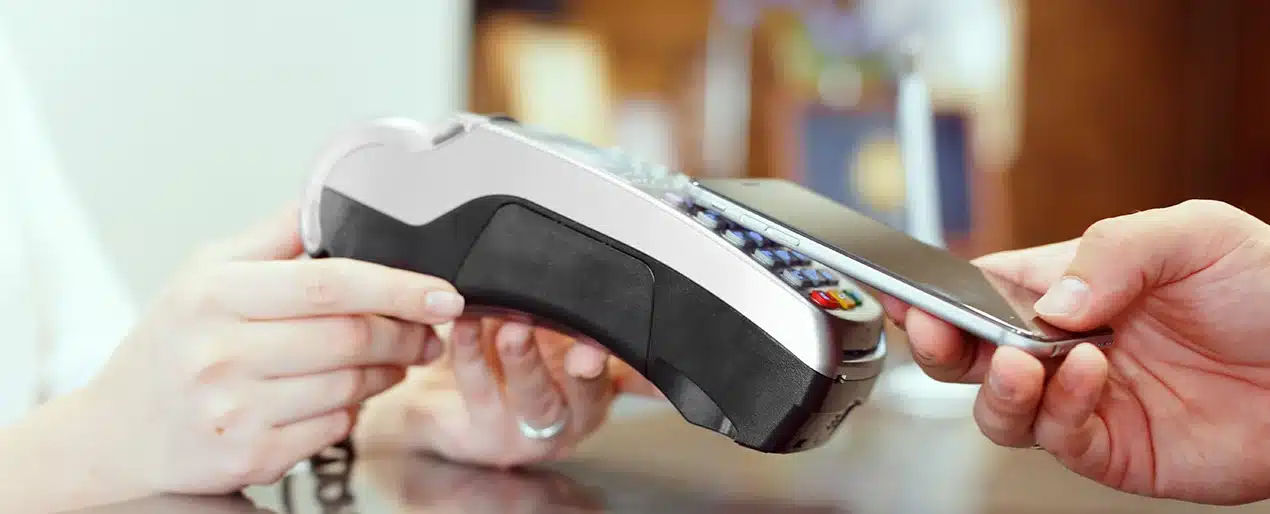
- Depending on your phone, push the home button twice or lock screen button twice to initiate a payment near the contactless reader.
- Glance at your iPhone to authenticate with Face ID, use your fingerprint to unlock by Touch ID or enter your passcode.
Using Apple Watch:
- Push the side button (the one below the spinning button) twice to initiate a payment near the contactless reader.
- Wait until you feel a gentle buzz.
Use it today.
Apple Pay® is accepted at over 85 percent of retailers in the U.S., so you likely can use it wherever and however you want.
A secure way to pay.
When you make a purchase, Apple Pay® uses a device-specific number and unique transaction code. So your card number never is stored on your device or on Apple® servers. And when you pay, your card numbers never are shared by Apple® with merchants.
Apple Pay works online or in-app as well.
No need to enter your debit card number for in-app or online purchases—simply select Apple Pay® as your payment method and confirm the payment.